Fix the spill. Keep the shot.
Brush over a sauce smear on the rim, a wilted garnish or a smudged logo on your packaging. Only that area is regenerated; the rest of the photo stays exactly as it was.
- Brush a mask
- Optional reference photo
- Compare variations
- Rest of the photo untouched
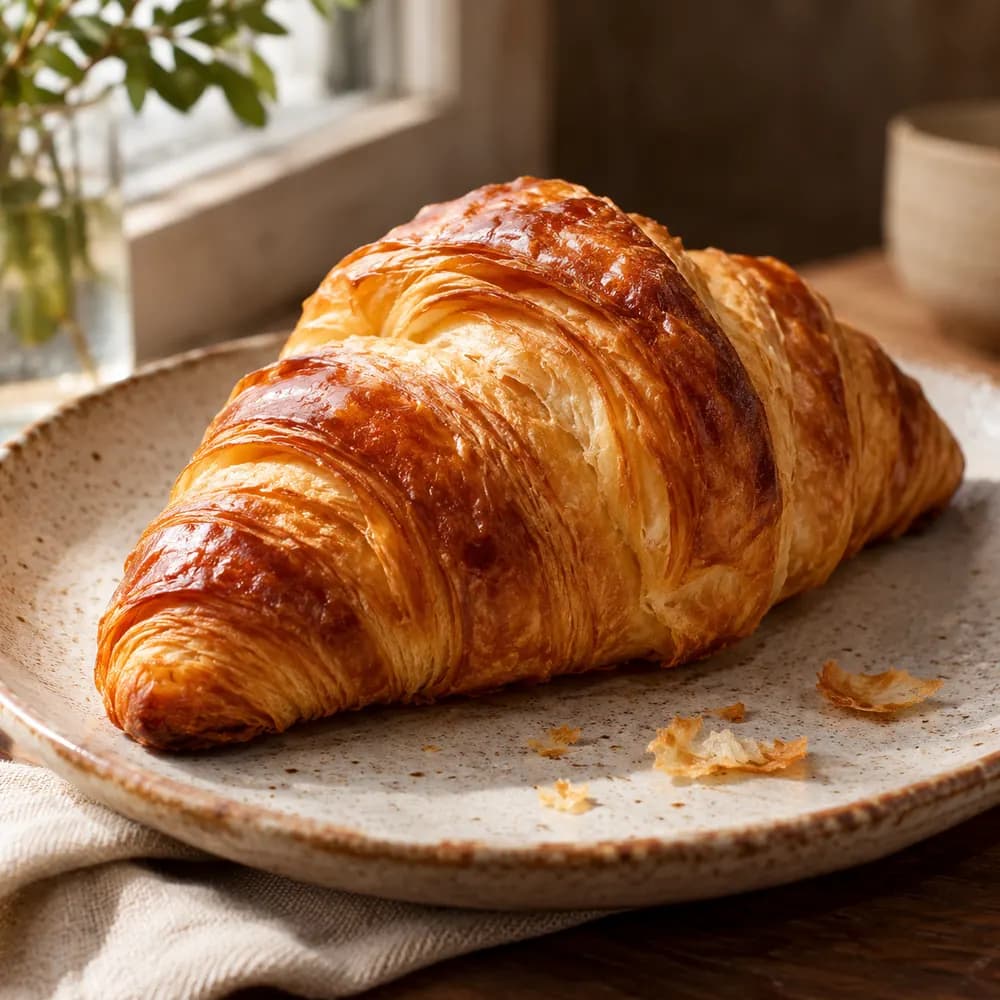
Why restaurants use it
Small fixes, big difference
Paint the exact spot
Mark a drip, a crumb, a tired herb or a dent in the packaging with the brush.
Packaging logos, cleaned
Add a reference of your real logo so the repaired area follows its shape.
Everything else stays
Your composition, food and light are kept outside the mask.
Compare options
Generate variations side by side and keep the one you prefer.
Save the hero shot
No need to reshoot a great photo because of one small flaw.
Honest by design
Detail Repair tidies the scene. It is not for changing what is in the dish.
How it works
A clean shot in three steps
- 01
Choose the photo
Pick the image with the detail you want to fix.
- 02
Mark and guide
Paint the area and add a reference or a short instruction if useful.
- 03
Repair and review
Compare variations with the original and keep the best.
Your real dish, kept honest
HungryShot is instructed to keep your ingredients, portion, colours and toppings, and never to invent allergen, nutrition, halal, kosher, price or origin claims. Always check a result before you publish it.
Works for every kind of kitchen
- Burgers & Sandwiches
- Pizza & Pasta
- Sushi & Asian
- Grill & Mains
- Salads & Bowls
- Bakery & Pastry
- Desserts & Ice Cream
- Drinks & Cocktails
Give your best photo its best finish.
Mark the area and see your options in seconds.
- Included in the free trial
- No editing skills needed
- Cancel anytime
Explore other tools